
No. 1 Data Recovery Service in India
Hard Disk Recovery
Professional data recovery services for SATA, PATA, and USB (2.5" / 3.5") hard drives – restoring data lost due to logical corruption, firmware failure, or physical damage
Request Call Back

Expert service for all hard disks
Technology Trusted Across Leading Brands
Our expertise extends across a wide range of leading brands and technologies, enabling us to handle diverse devices, systems, and digital environments with confidence.




Data Recovery From All Type of Hard Disk Interfaces


Key Solutions
Hard Disk Recovery Solutions
We can recover data from almost any digital media — from old iPods and legacy drives to the latest high-capacity SSDs and encrypted devices. Whether your device is logically corrupted, physically damaged, or completely non-responsive, our engineers combine advanced tools and years of experience to bring your lost data back to life.
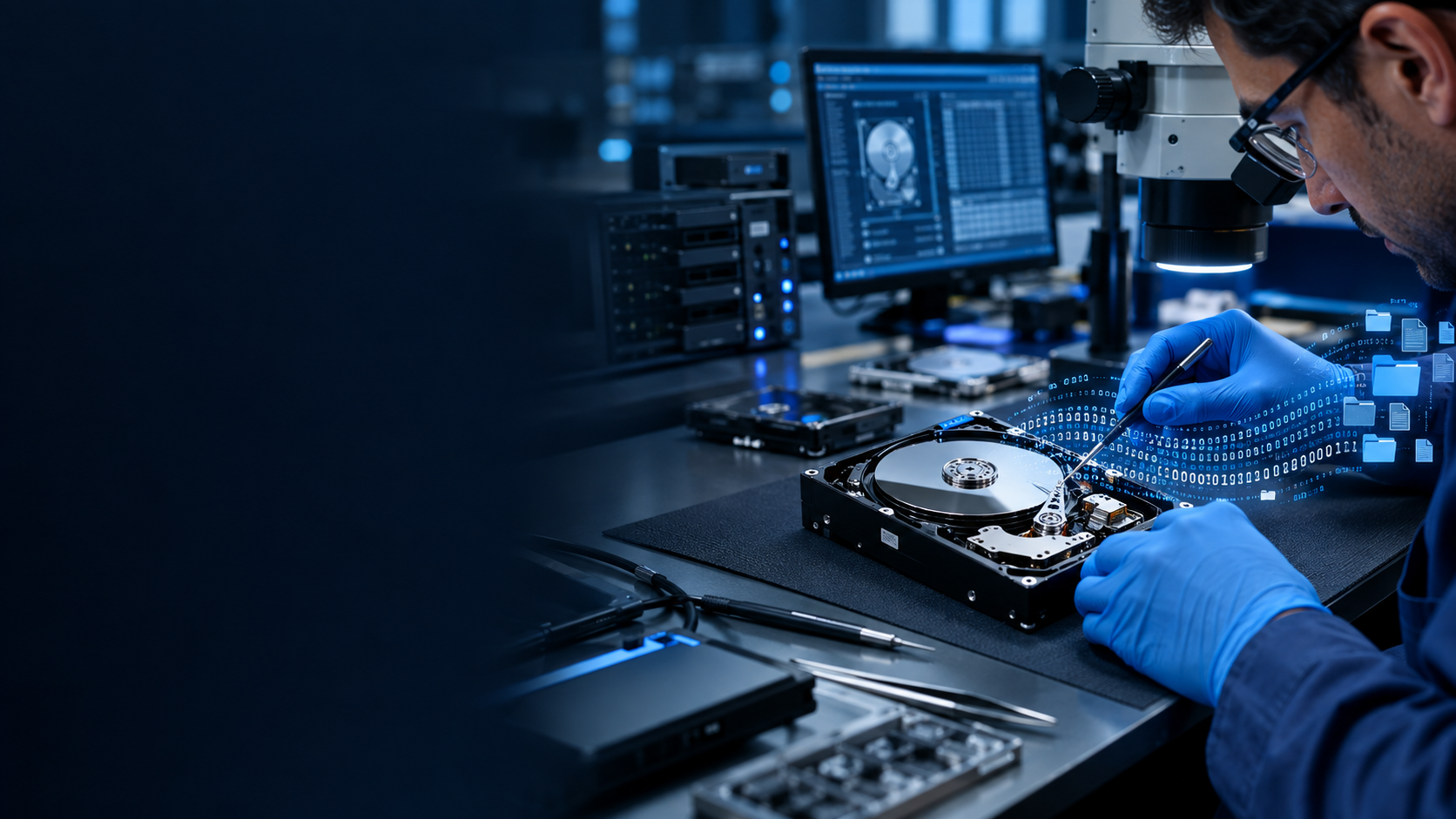
HDD Recovery
We specialize in recovering data from all major hard drive types:
SATA, PATA, and USB (2.5" / 3.5") drives.
Our process ensures recovery from:
- 1. Logical corruption and partition loss
- 2. Firmware-level corruption
- 3. Physically damaged drives (head crash, motor jam, PCB failure)
Every recovery is performed in a controlled environment ensuring both data integrity and confidentiality.
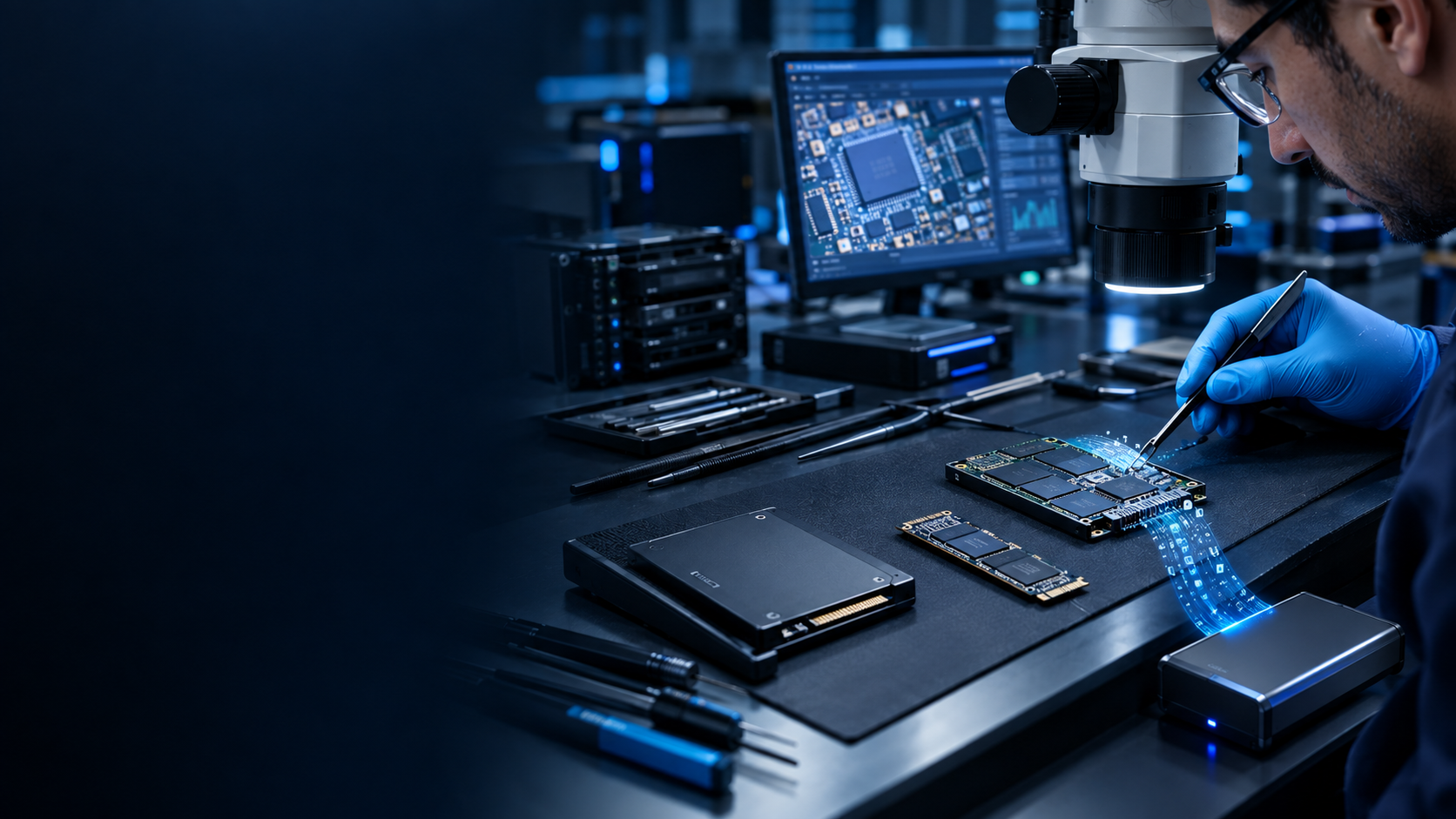
SSD Recovery
We recover data from SATA, mSATA, M.2 SATA, and M.2 NVMe SSDs — even when the drives are logically corrupted, firmware-damaged, or physically degraded. Our technical experts ensure the highest possible success rates, even in the most complex cases.
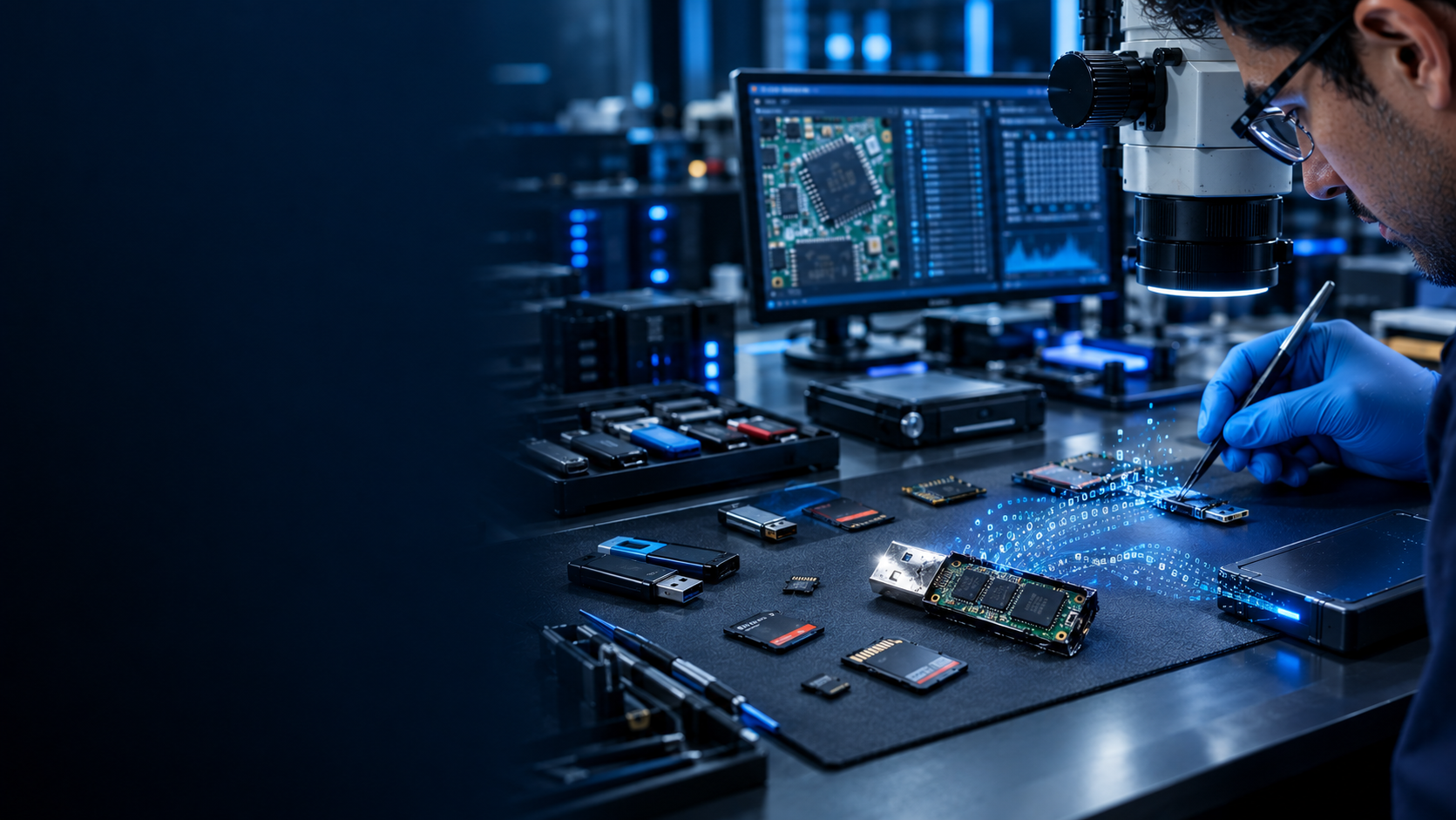
Flash Media Recovery
From pen drives and monolith flash drives to SD cards, microSD, and compact flash cards — we can restore what others consider lost. Whether the drive is deleted, formatted, extremely slow, or reformatted inside a camera (causing a total wipe), our flash recovery process can retrieve the inaccessible data wholly and safely.

RAID Data Recovery
We recover data from all RAID configurations — RAID 0, 1, 5, 6, 10, and beyond. Our engineers reconstruct complex array failures, identify parity mismatches, and restore entire volumes without compromising data structure or security.

CCTV Data Recovery
Lost surveillance footage? No worries. We can recover CCTV and DVR video files from corrupted, formatted, or overwritten storage — helping businesses and law enforcement retrieve critical evidence with clarity and accuracy.
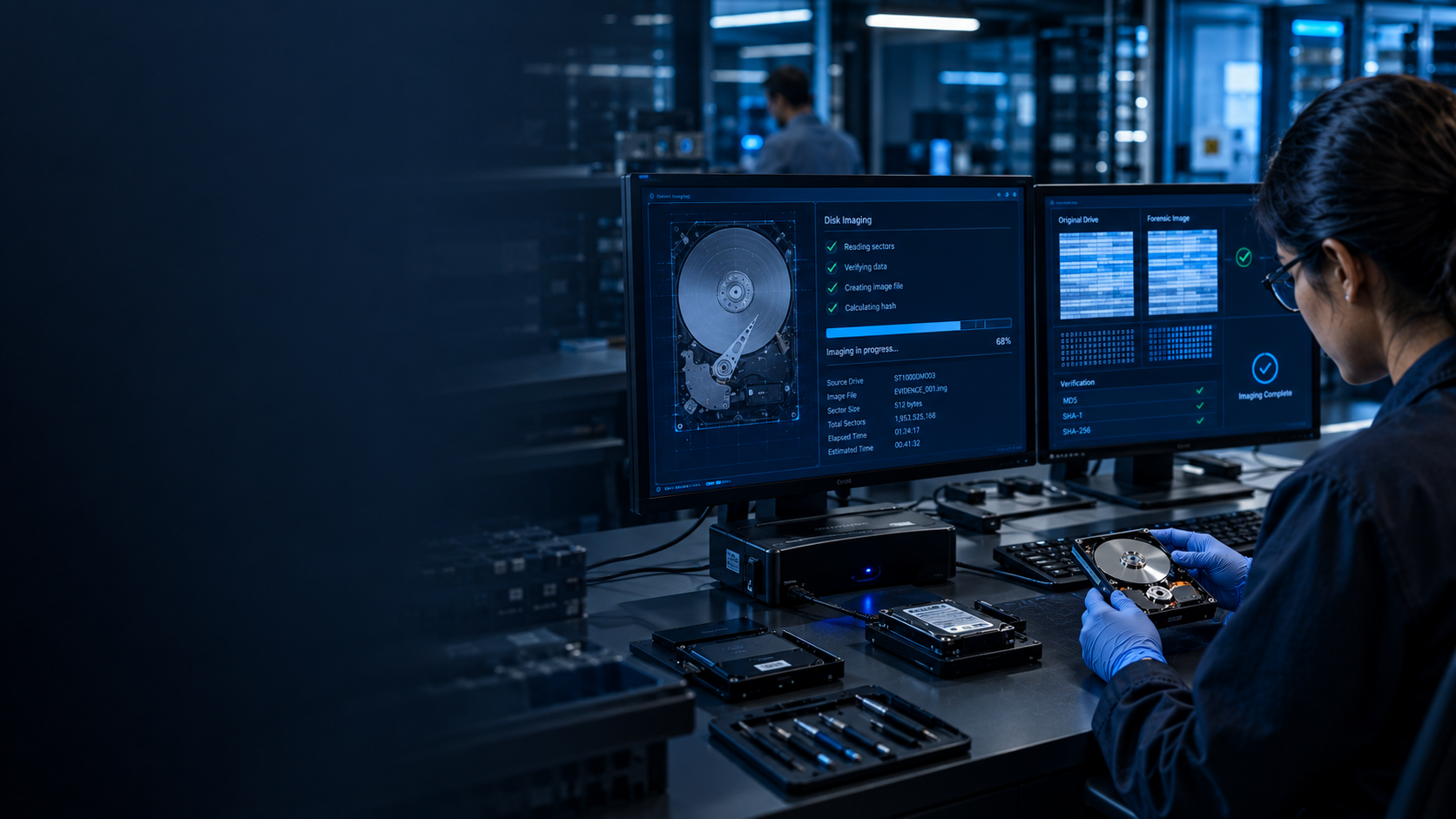
Ransomware Data Recovery
Even after encryption attacks, hope isn’t lost. Our ransomware data recovery service focuses on decryption support, data restoration, and secure reconstruction from affected systems — ensuring minimal downtime and maximum data retrieval.
Our Recovery Process
Hard Disk Recovery Recovery Process

Step 1
Device Intake & Initial Consultation
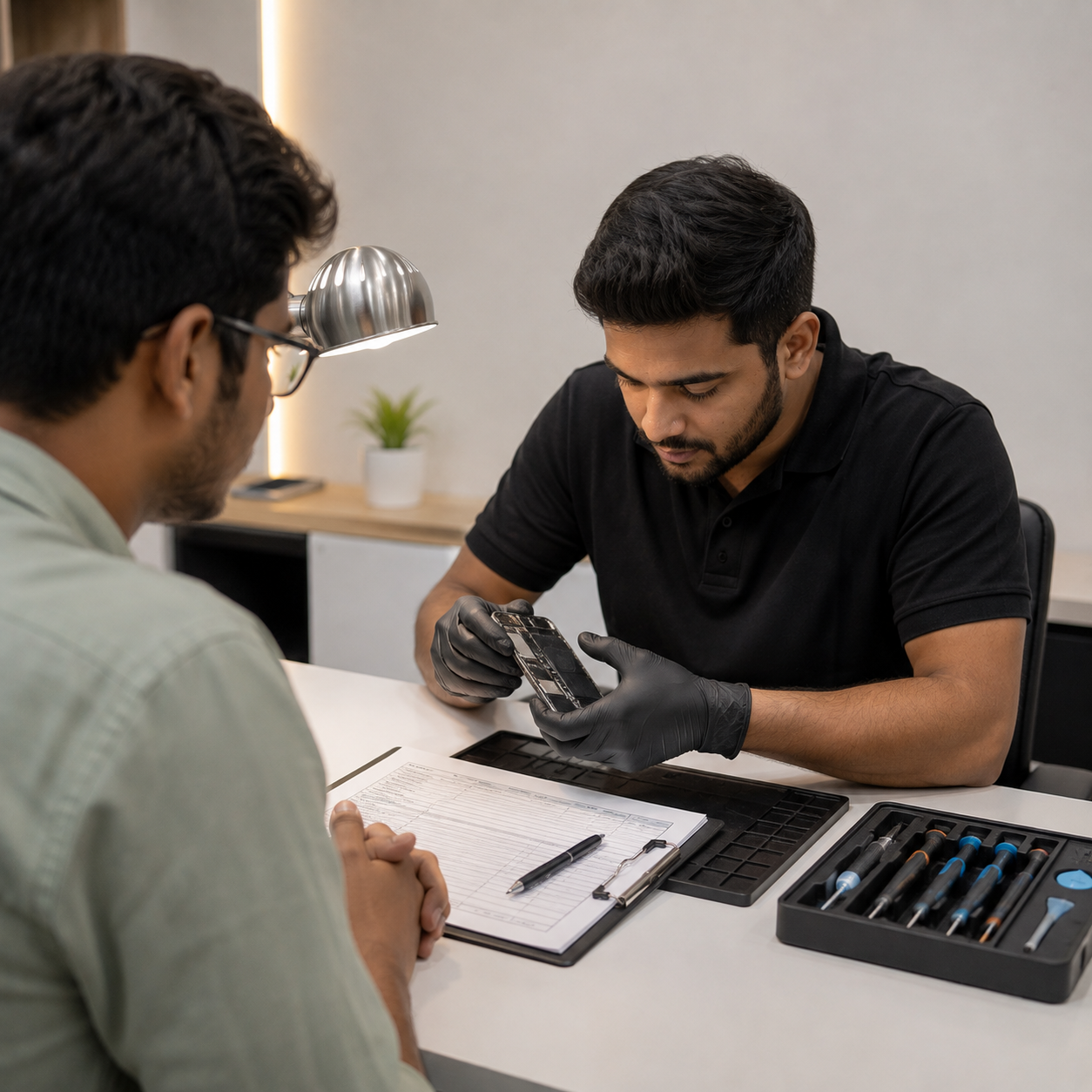
The client completes an intake form with the device type, symptoms, and data priority, while the engineer carefully records the reported sounds, events leading to the failure, and any actions taken after the failure. The required service level—urgent, standard, or economy—is confirmed, and the client signs the data handling agreement and confidentiality form.
Step 2
Diagnosis & Assessment (₹1,000 + GST)
The process includes visually inspecting the PCB, connectors, and casing; connecting the device through a write-blocker to prevent any risk to the data; reading SMART data for HDDs; determining the failure type as logical, firmware, electronic, or physical; and estimating the recovery cost and probability of success for client approval.

Step 3
Client Approval
A detailed quote is provided outlining the estimated price range, turnaround time, and expected success rate. No recovery work begins without the client’s written approval, and the “No Data — No Charge” policy is confirmed in writing before proceeding.
Step 4
Recovery Operation
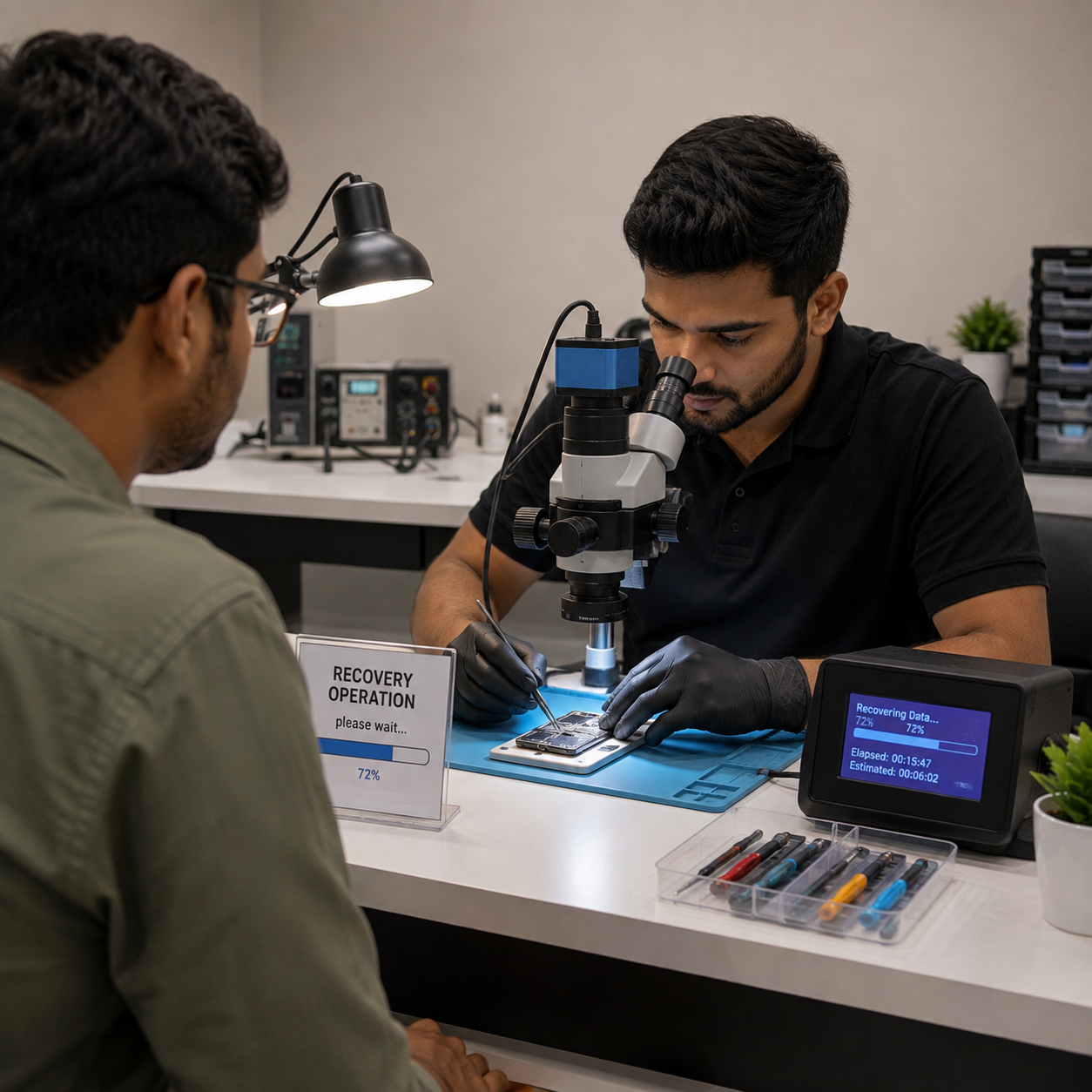
The data recovery process may involve logical recovery through forensic disk imaging, file carving, partition scanning, MFT/FAT reconstruction, and deleted-file recovery; firmware repair through ROM backup, service-area repair, and re-imaging; electronic repair through PCB replacement with a matching donor, ROM transplantation, and component replacement under a microscope; physical recovery in a Class-100 clean room involving HSA or spindle-motor replacement, platter inspection, and immediate drive imaging; SSD/NAND recovery through controller bypass or chip-off extraction, NAND reading, and raw NAND data reconstruction; mobile recovery using Android EDL, JTAG, ISP, BGA chip-off, iPhone Checkm8, DFU extraction, or BGA chip-off techniques; and ransomware recovery through strain identification, database checks, memory forensics, and available decryptor application.
Step 5
Quality Verification
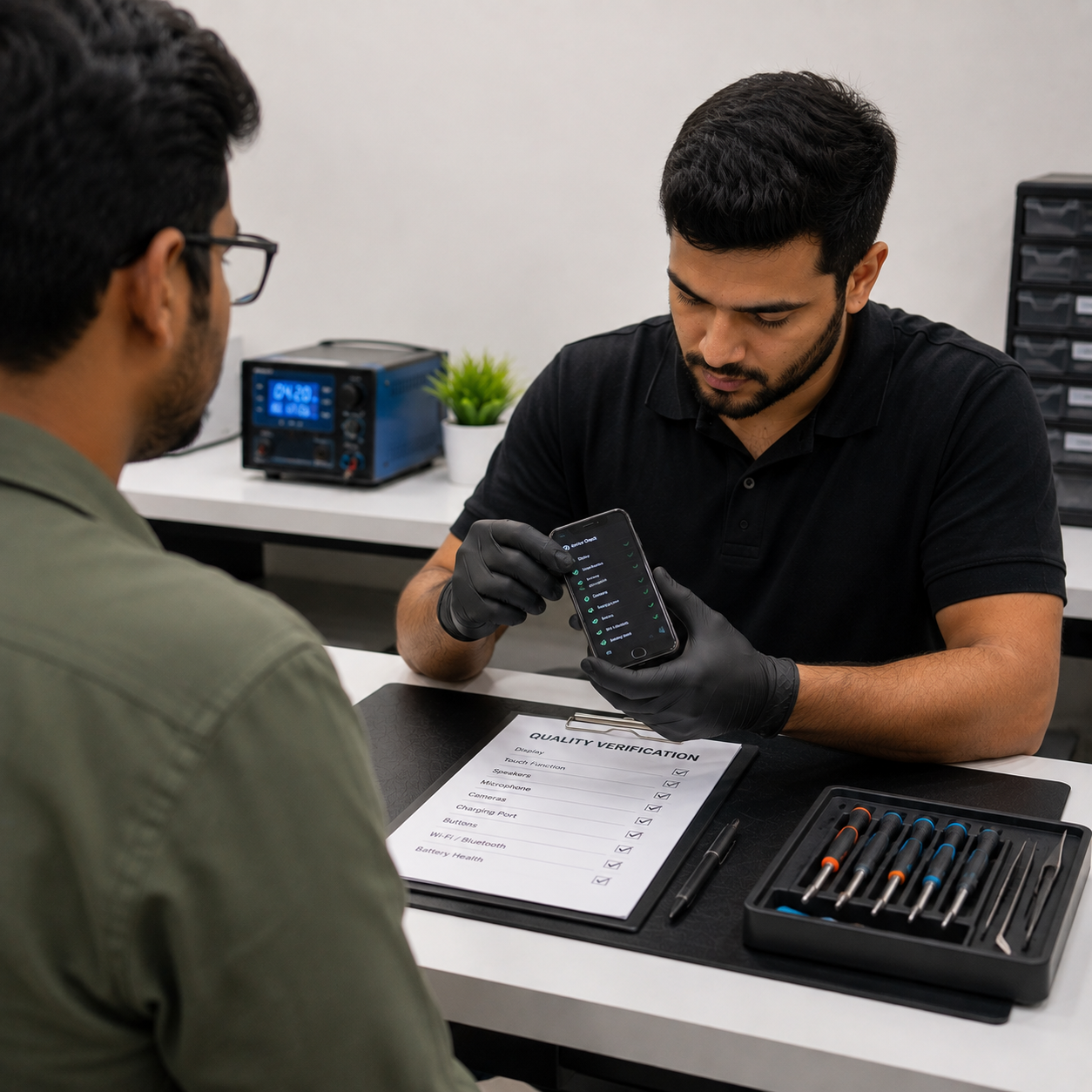
The client previews the recovered files before payment, while the file count, file types, and data integrity are verified, and any corrupt or partially recovered files are clearly flagged and documented.

Step 6
Delivery
The recovered data is delivered on clean storage provided by the client or supplied by the lab, along with a full recovery report containing the case number, tools used, and recovered file list; the original device is returned in the same or better condition, and 90-day follow-up support is provided.
DO'S & DONT’S
Essential Do's and Don’ts for Hard Disk Recovery
 Do's
Do's
- Stop using the device immediately when data loss occurs
- Power off the device right away — continued use overwrites deleted data
- Bring the device to a professional lab as quickly as possible
- Provide as much information as possible: what happened, when, any sounds
- Allow the lab to diagnose first before attempting any recovery
- Use write-blockers when connecting storage media in the lab
- Always work on a cloned/imaged copy — never on the original
- Keep clicking/grinding drives powered off until ready for clean room
- For SSDs — stop all read/write operations immediately (TRIM erases data)
- For RAID — do NOT rebuild the array without expert guidance
 Don'ts
- Do NOT run chkdsk, disk repair, or format on a failing drive
- Do NOT install data recovery software on the same drive losing data
- Do NOT shake, drop, open, or freeze the drive (old myths — all harmful)
- Do NOT power cycle a clicking drive repeatedly — accelerates damage
- Do NOT attempt DIY firmware flash from YouTube tutorials
- Do NOT use free/cheap online recovery tools on critical drives
- Do NOT rebuild a failed RAID array without consulting an expert first
- Do NOT continue writing new data to the storage — fill erases old data
- Do NOT send SSD for recovery without confirming TRIM is not scheduled
- Do NOT delay — every hour matters, especially for physically failing drives"