
Official MRT Lab Partner in India
MRT Lab Authorised Partner
Your trusted source for certified MRT Lab data recovery tools, training support, and professional-grade firmware repair solutions
Request Call Back

Expert service for all hard disks
Technology Trusted Across Leading Brands
Our expertise extends across a wide range of leading brands and technologies, enabling us to handle diverse devices, systems, and digital environments with confidence.










Data Recovery From All Type of Hard Disk Interfaces


Key Solutions
MRT Lab Authorised Partner Solutions
We can recover data from almost any digital media — from old iPods and legacy drives to the latest high-capacity SSDs and encrypted devices. Whether your device is logically corrupted, physically damaged, or completely non-responsive, our engineers combine advanced tools and years of experience to bring your lost data back to life.
MRT Express
MRT Express is a compact and cost-effective data recovery solution for SATA and IDE hard drives. Ideal for new labs and small operations, it offers essential firmware repair, diagnostics, and imaging support to handle standard HDD recovery tasks efficiently and reliably.
MRT Ultra / Ultra 2.0
MRT Ultra and Ultra 2.0 deliver advanced, high-speed recovery capabilities with multiple SATA ports, PCIe support, powerful firmware repair, and large-capacity imaging tools. Designed for heavy-duty labs, they handle complex recovery cases with precision, speed, and professional-grade stability.
MRT Accessories & Modules
We supply essential MRT Lab accessories including ROM programmers, terminal adapters, power control cards, imaging modules, and firmware update kits. These add-ons enhance workflow efficiency, support new drive families, and expand capabilities for both HDD and SSD recovery operations.
Our Recovery Process
MRT Lab Authorised Partner Recovery Process
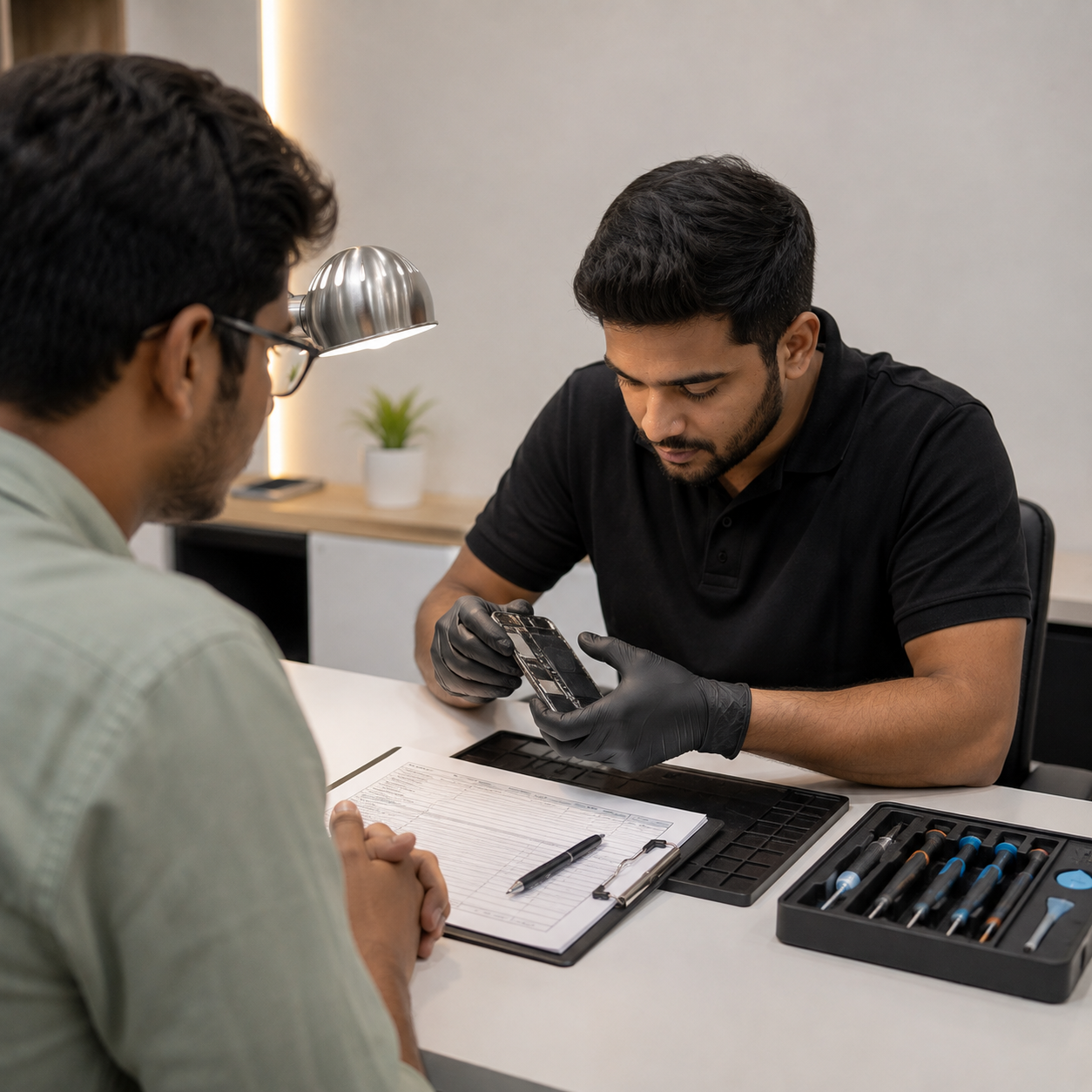
Step 1
Drive Intake & Assessment
Record: Brand, model, capacity, serial number, interface type; Visual inspection: PCB damage, burnt components, head crash signs, clicking; Note symptoms reported by client.
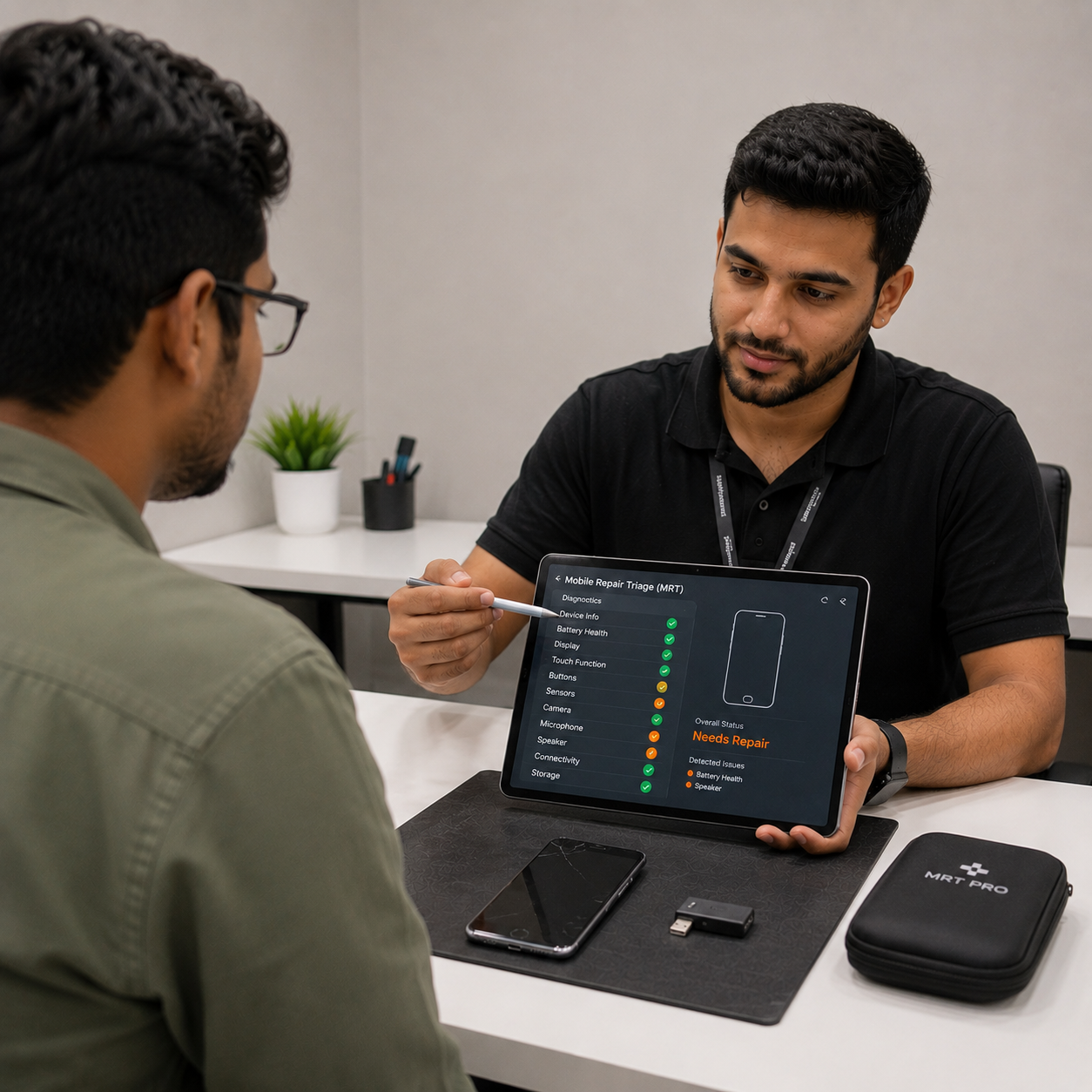
Step 2
Initial Triage with MRT
Connect drive via MRT SATA/IDE controller card; Run MRT common tools — disk information check; Check SMART data for reallocated sectors, spin-up time, temperature history; Identify HDD family and firmware version.
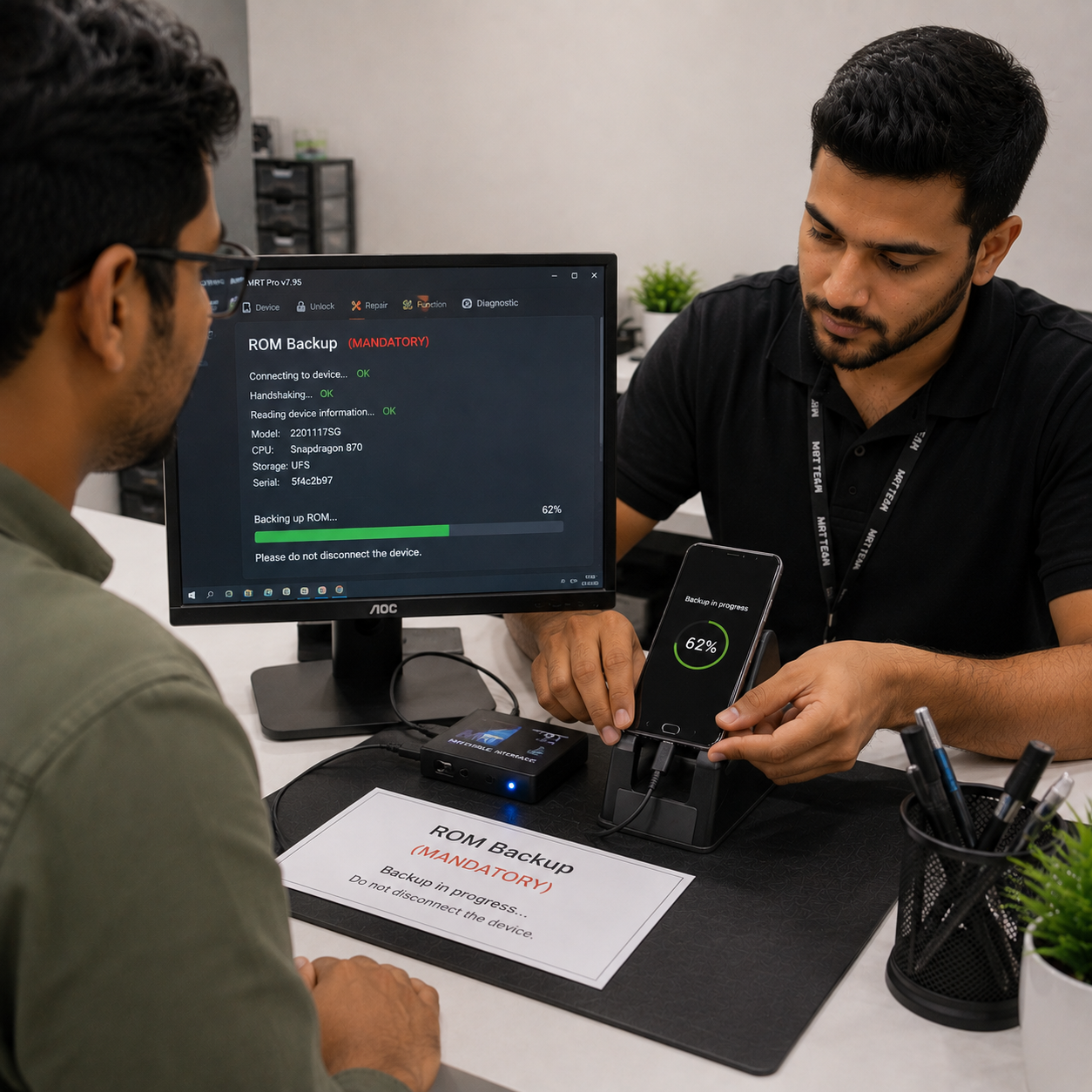
Step 3
ROM Backup (MANDATORY)
Read and save ROM backup before any repair attempt; Store ROM backup with case number in secure folder.
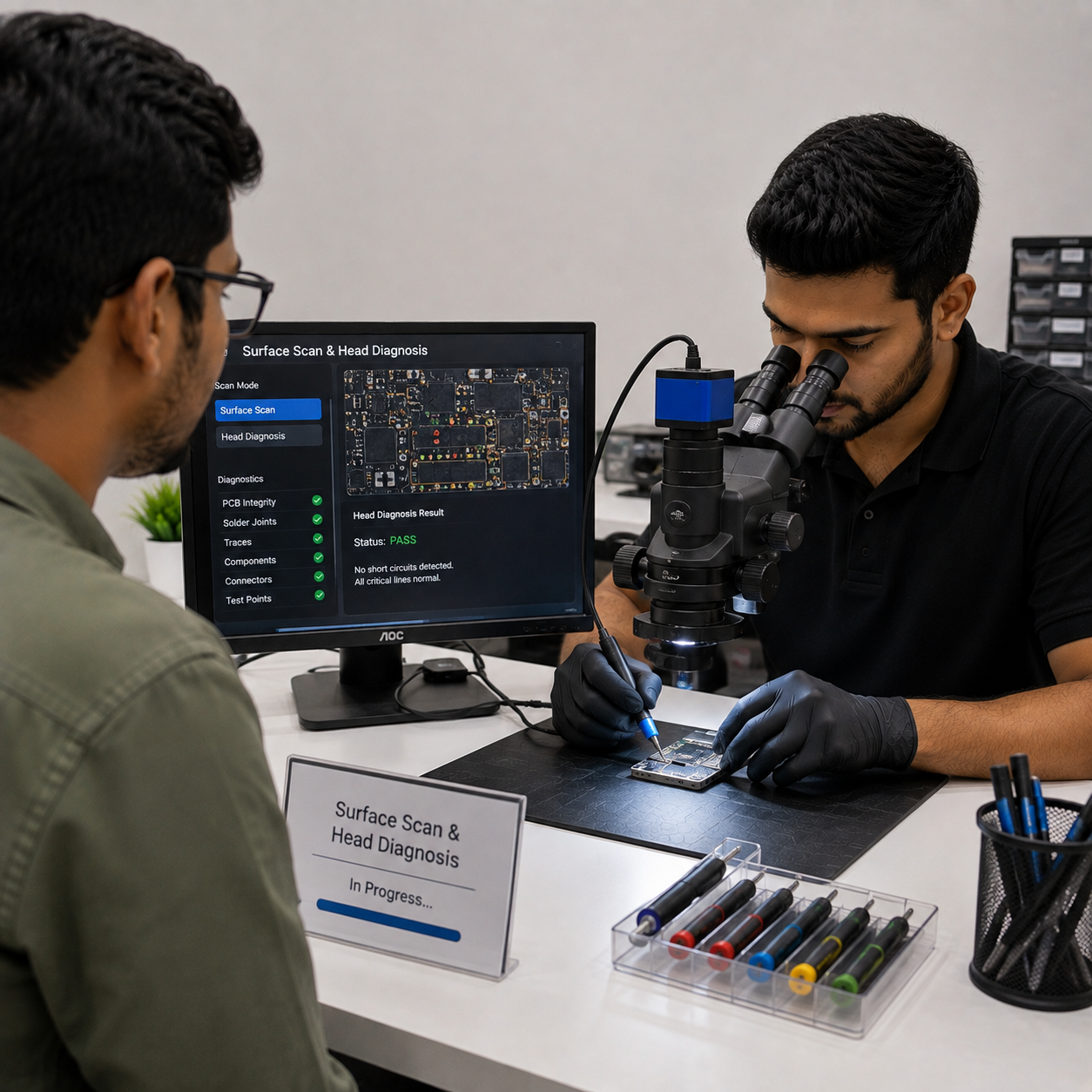
Step 4
Surface Scan & Head Diagnosis
Run MRT surface scan to map bad sector count and distribution; Use head map analysis to identify failed/weak heads; If severe head failure → escalate to clean room (head swap required).
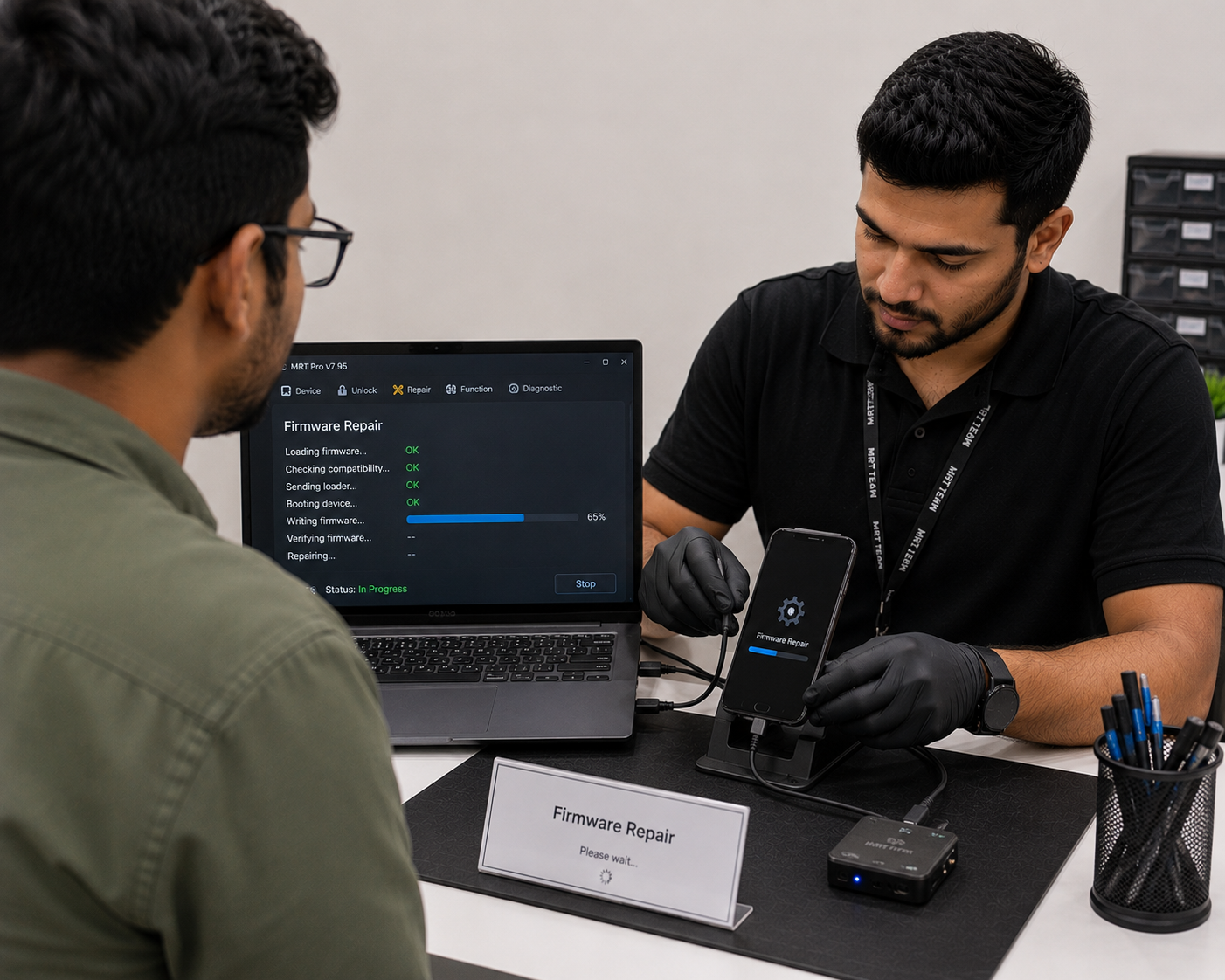
Step 5
Firmware Repair (if applicable)
Load correct firmware module for brand/family; Repair Service Area (SA) / translator / LDR as needed; Flash updated firmware only if ROM backup confirmed safe; Verify drive recognises correctly after firmware repair.
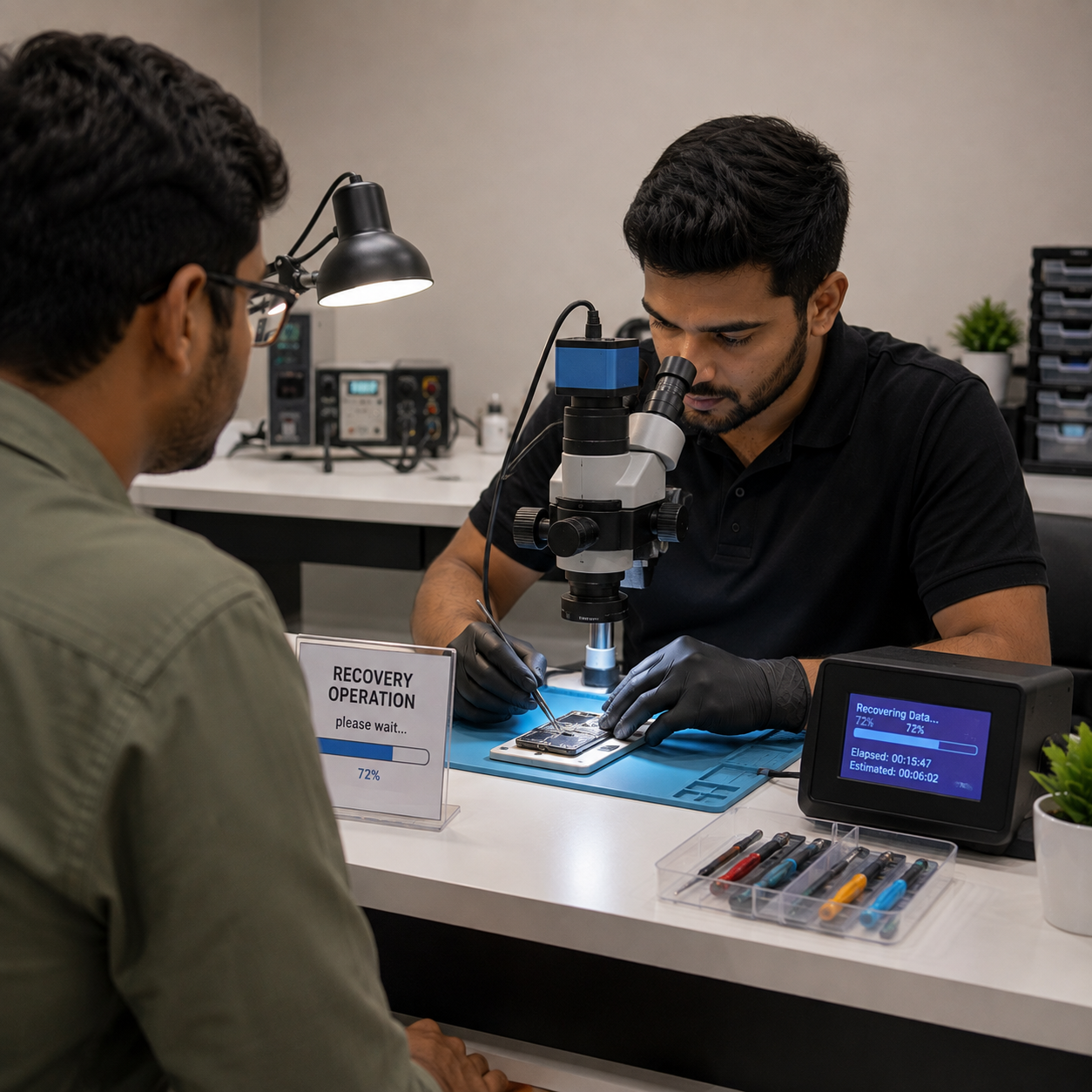
Step 6
Disk Imaging
Use MRT disk imaging with head map (skip bad/failed heads); Image to forensic-grade external drive at maximum speed; Monitor imaging progress — handle unstable drives with timeout settings.
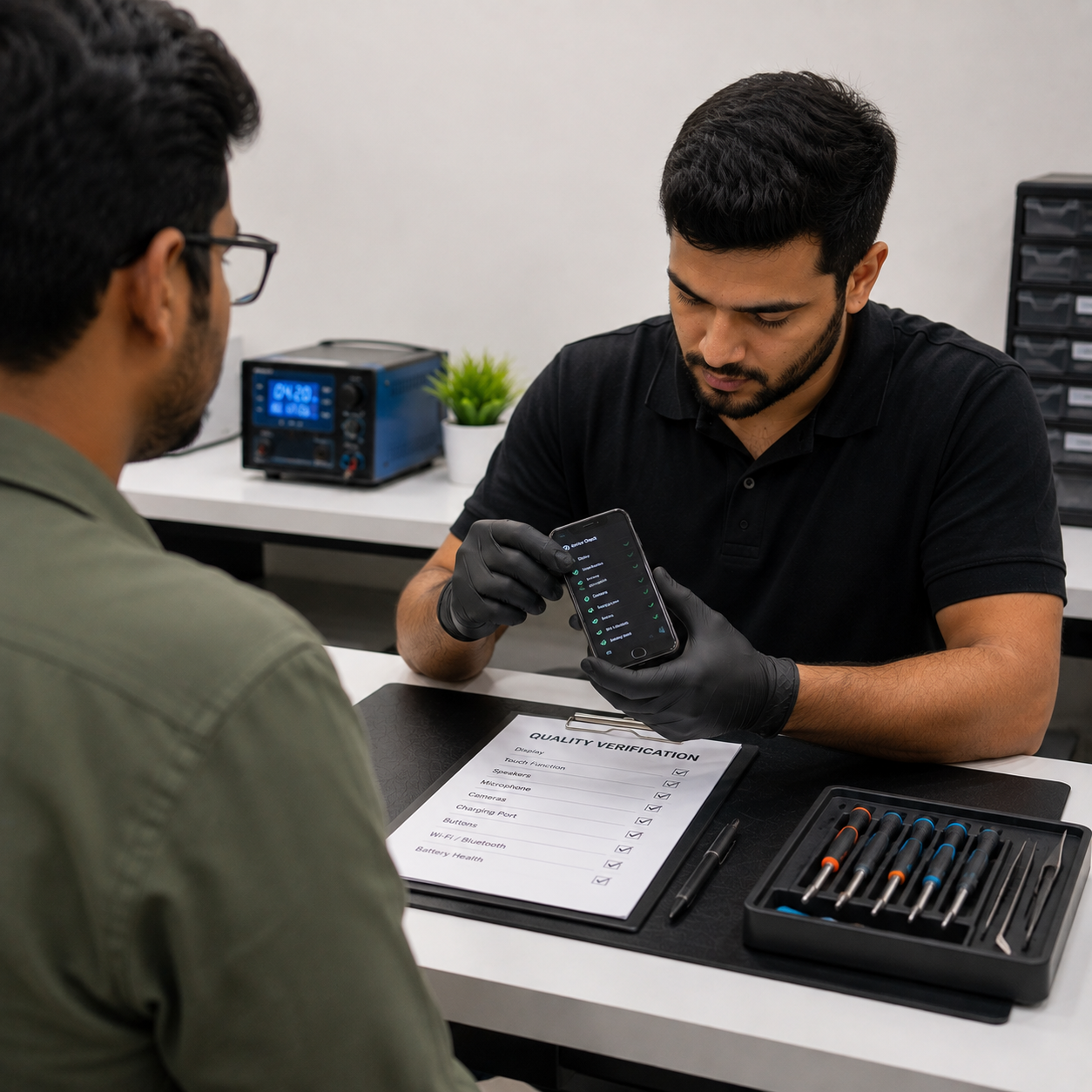
Step 7
Data Extraction & Verification
Mount image using MRT Data Explorer; Browse file system, recover required files/folders; Verify file integrity after extraction.

Step 8
Report & Delivery
Document: tools used, firmware changes, imaging speed, success rate; Deliver recovered data on clean storage media; Return original drive with MRT case report.
DO'S & DONT’S
Essential Do's and Don’ts for MRT Lab Authorised Partner
 Do's
Do's
- Use MRT tools only on properly connected SATA/IDE/PCIe drives
- Always run a surface scan before attempting firmware repair
- Take a full ROM backup before making any firmware changes
- Use the correct MRT module for each HDD brand (WD, Seagate, Hitachi, Toshiba)
- Work in a clean, ESD-safe environment to protect delicate electronics
- Ensure power supply — use UPS during all MRT operations
- Keep MRT software updatestabled to the latest version for new drive support
- Test with a donor drive first when unsure of firmware compatibility
- Use head map imaging to skip bad/failed heads during recovery
- Document all firmware changes made for reference and reversal
 Don'ts
- Do NOT run MRT repair modules without first imaging the drive
- Do NOT flash firmware to a drive without matching the exact model/revision
- Do NOT attempt head swap based on MRT diagnosis without clean room
- Do NOT force spin up a clicking drive repeatedly — worsens platter damage
- Do NOT use MRT on SSDs unless it has a specific SSD module loaded
- Do NOT skip ROM backup — it is irreversible without a backup copy
- Do NOT operate on original client data without creating a disk image first
- Do NOT share MRT license or tools — authorised use only per agreement"
FAQ’S
Have questions about our data MRT Lab Authorised Partner? We’ve got the answers.

It means Techie Hybrid supplies genuine MRT tools, licensed software, and official support directly approved by MRT Lab.
Yes. We guide you in selecting MRT Express, Ultra, or additional modules based on your recovery needs.
We offer training assistance, guidance, and setup support to help engineers use MRT systems confidently and effectively.
Yes. We ensure access to licensed updates, new firmware support, and regular technical briefings.
Absolutely. We help configure MRT tools into your existing lab setup, including remote support and workflow optimisation.